A world for every setup.
Keep survival, servers, and modded games in separate installations, each with its own files, memory settings, and Java runtime.
 CLIENT
Independent. Open source. Minecraft Java.
Your worlds, mods, and versions.
One launcher that keeps it all
together.
Free forever · Windows 11, 64-bit · Development build
Built for the worlds you make.
01 / The launcher
A separate setup for every way you play. Switch installations, find compatible mods, and keep your worlds organized.
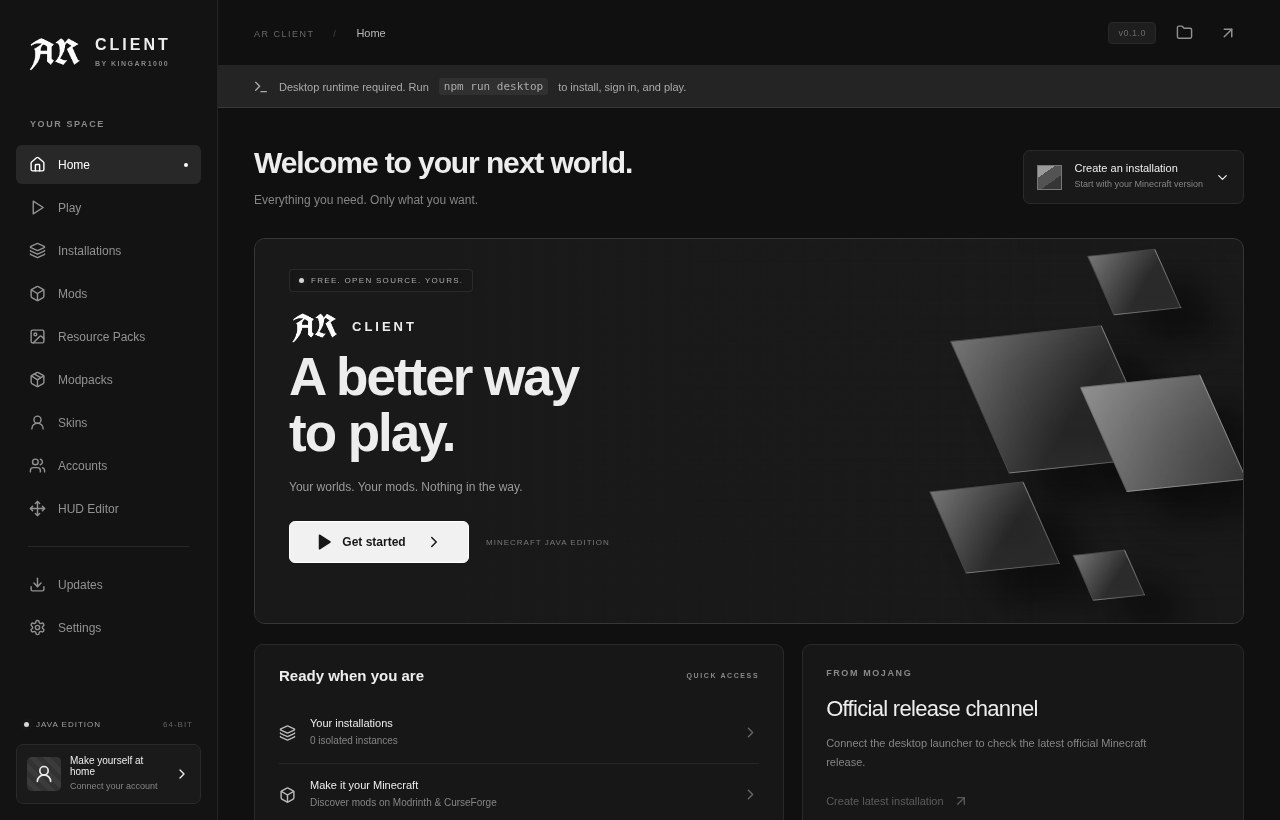
Keep survival, servers, and modded games in separate installations, each with its own files, memory settings, and Java runtime.
Browse Modrinth and CurseForge with version filtering. Install compatible content and its required dependencies from the launcher.
Preview skins in 3D, upload your own, and manage owned capes. The version-specific Fabric companion adds an editable in-game HUD.
02 / Latest stable, first
Latest official release checked 29 October 2026. New installations default to the latest stable release from Mojang’s manifest. Older releases remain available from 1.21.9.
Supported range: 1.21.9 through the latest stable release. Loader and mod availability depends on the selected game version.
03 / Get AR Client
Free to use. Free to change. A Microsoft account with access to Minecraft Java is required to play.
Release historyWindows 11 · x64
Development builds are available on GitHub Actions.
View Windows buildsNo stable release is published yet. GitHub sign-in is needed to download Actions artifacts. Windows gameplay and the signed update cycle are still unverified; this is not a production-certified release.
Yes. AR Client uses official Microsoft authentication and checks access to Minecraft Java Edition. It does not include Minecraft or bypass account ownership.
New installations default to the latest stable official release, currently 26.3. You can select older supported releases down to 1.21.9. Existing installations keep their version so an update cannot silently upgrade your worlds. Mods and loaders must support the version you select.
AR Client is a development build. Native Windows builds, installation checks, and automated tests are available, but signed updates and authenticated gameplay still need verification. The AR HUD requires Fabric and a matching version-specific build. Read the validation notes for the tested scope and remaining limitations.
Open a GitHub issue with your game version, loader, and error message. You can also email hello@kingar1000.xyz. Never include access tokens, passwords, or API keys in a report.
Developed and maintained by KingAR1000. AR Client is free software under the GNU General Public License v3.